 Alerua
Dual-polarization
Dual-polarization radar, explained
Correlation coefficient, differential reflectivity and KDP tell rain from hail, debris, birds and insects.
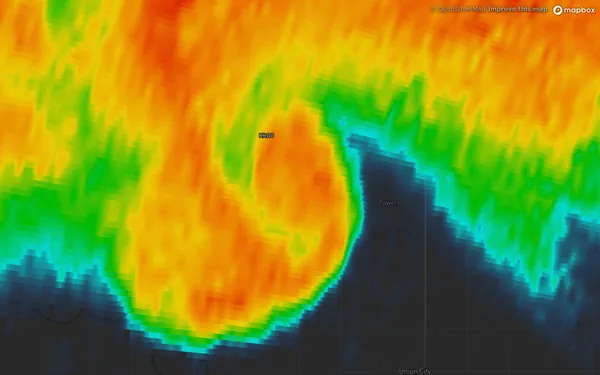
- Reflectivity, filter off
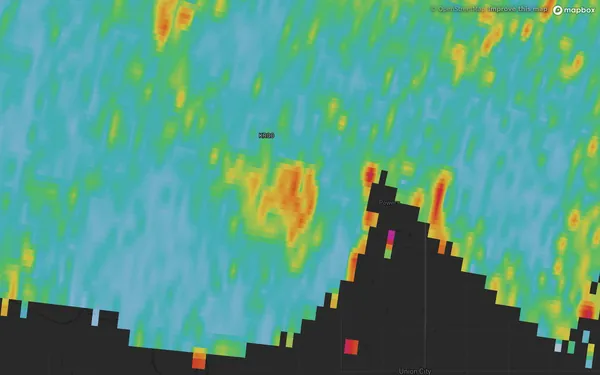
- Correlation coefficient
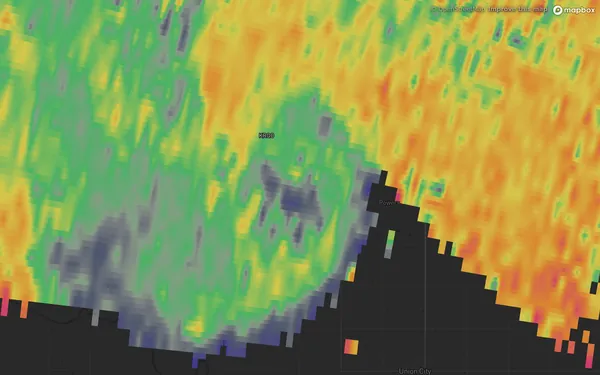
- Differential reflectivity
Since the early 2010s the US radars have sent pulses polarized both horizontally and vertically and compared the two echoes. The comparison says something about the shape and mix of whatever is in the beam. It answers what the color scale can’t: whether a red core is hail or heavy rain, whether an echo is birds, whether a curl is debris.
The ten views in Alerua
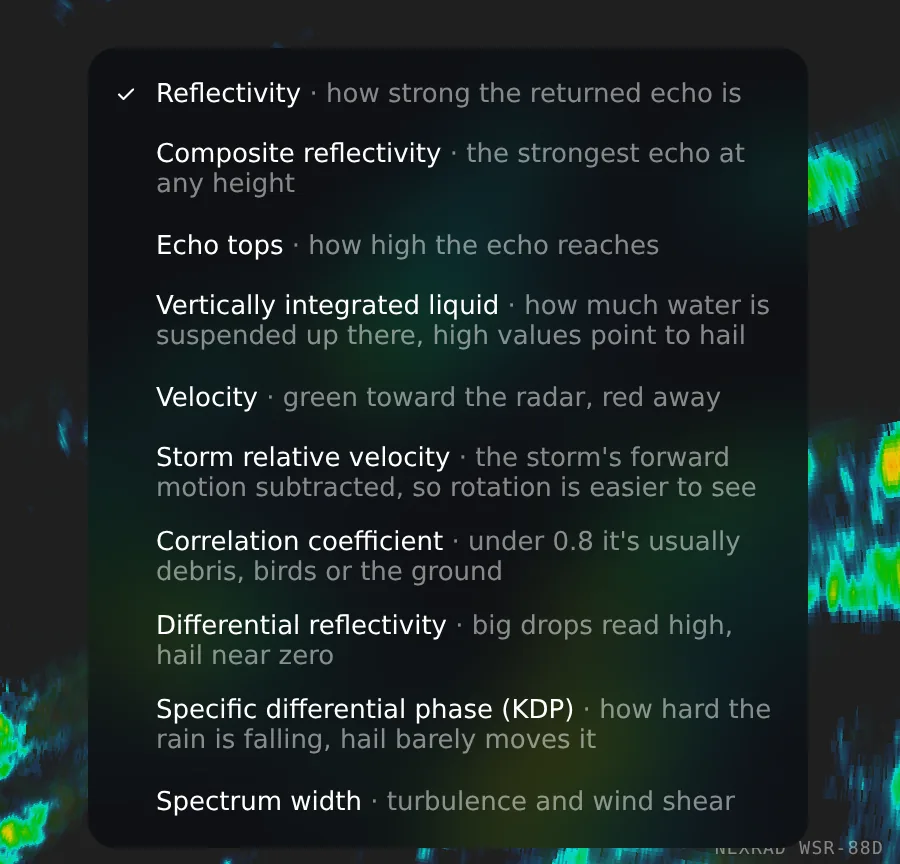
On US radars, Alerua has ten views of each scan, picked from the Product menu.
Correlation coefficient
Correlation coefficient asks whether the horizontal and vertical echoes agree. Rain and snow are uniform, so they agree and the value sits near 1 (light blue). Anything mixed up scrambles it: debris, insects, birds, the ground, or hail melting unevenly. Under 0.8 is usually not rain.
Differential reflectivity
Differential reflectivity compares how strongly the echo returns horizontally and vertically. Raindrops flatten as they fall, so they reflect more horizontally than vertically and read positive, and the bigger the drops, the higher the value. A tumbling hailstone looks round on average and reads near zero. A red core in reflectivity with near-zero differential reflectivity is a good sign of hail.
KDP and the volume views
KDP measures how much one polarization falls behind the other as the pulse passes through rain. Heavier rain, with more and larger drops, lags it more, which makes KDP a clean gauge of how hard it is raining, one that hail barely changes. Composite reflectivity, echo tops and VIL are built from the whole volume scan instead of one tilt, so they show what the lowest beam can’t: a core aloft, how tall a storm is, and an estimate of the water in it.
How rain, hail, debris and birds differ
| What it is | How it shows up |
|---|---|
| Rain | Reflectivity anywhere from blue to orange. Correlation coefficient near 1. Differential reflectivity positive, and higher for bigger drops. |
| Hail | A red or purple core in reflectivity. Differential reflectivity near zero. Correlation coefficient lowered where the hail melts unevenly. |
| Debris | Gaps in the echo, or a debris ball when the filter is off. Correlation coefficient under 0.8. Differential reflectivity near zero. |
| Birds and insects | A faint, round bloom, usually under 25 dBZ. Correlation coefficient under 0.8. |
No single view settles it: read them together, at the same spot and time.
Echoes that aren’t weather
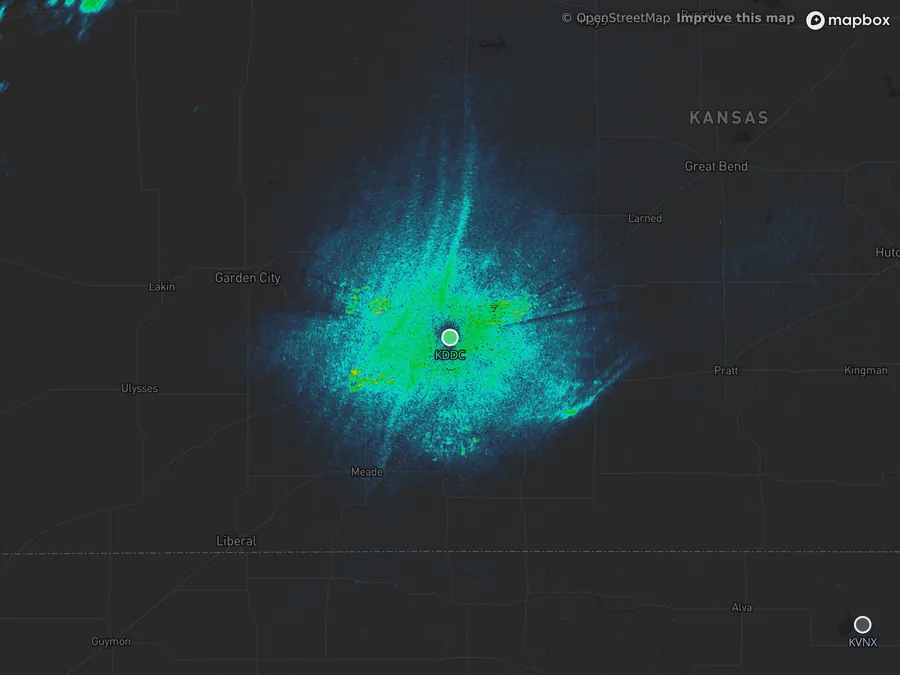
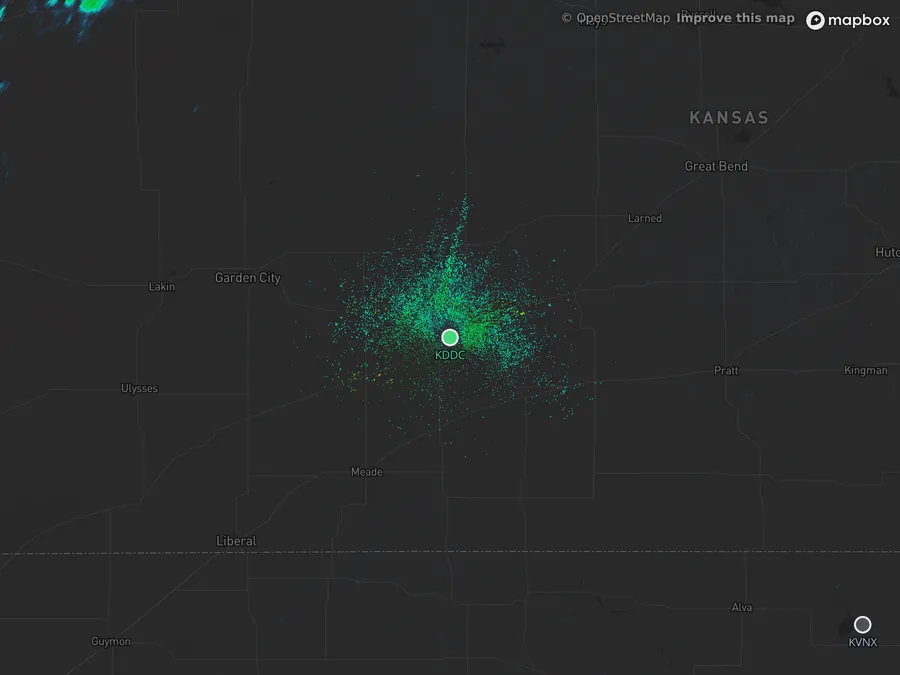
A radar reports anything that sends energy back, and on a clear night that can look like a storm. This scan is from Dodge City, Kansas, with no rain nearby.
- KDDC Dodge City
- 2:41 AM CDT, Oct 25, 2026
- Filter off
- Filter on
The faint round bloom is most likely birds and insects, the usual look of a clear night in migration season: a median echo of 14 dBZ and a correlation coefficient around 0.65. Rain drifts with the wind from frame to frame, takes the shapes storms take, and reads near 1. Birds, insects and most clutter read low, and that is what Alerua’s filter uses: it hides gates under 0.8. Why radar shows rain when it isn’t raining shows the other non-weather echoes.
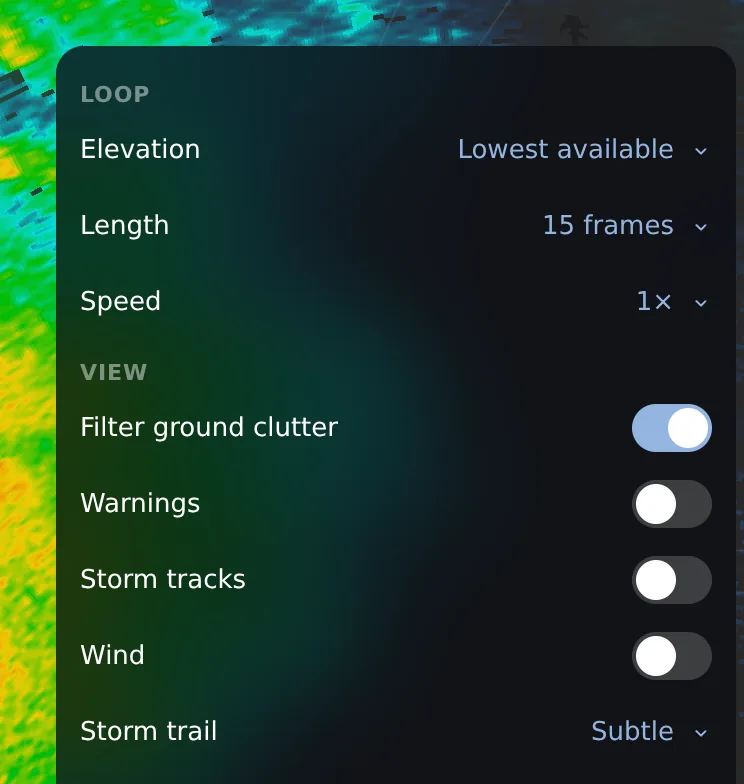
In Alerua the switch is Settings, then Filter ground clutter. It is on by default; switch it off to see everything the radar returned.
Keep reading
- Severe weatherHow to spot hail on radarWhy a red core can be hail or heavy rain, what the two dual-pol maps add, and what radar can’t tell you about size.
- Winter weatherHow to tell rain from snow on radarWhy the colors look alike, how the correlation coefficient shows melting, and what the beam misses near the ground.
- Radar echoesWhy radar shows rain when it isn’t rainingRain that dries up before the ground, birds and insects, clutter and a picture a few minutes old.
Further reading
- NOAA JetStream: dual polarization
- NWS Jackson: dual-polarization products
- NOAA JetStream: anomalous propagation
Radar data from NOAA’s NEXRAD Level II archive and, for Dodge City, the live feed. Base map © Mapbox © OpenStreetMap contributors.